Frame TV guide
Christmas Art for Your Samsung Frame TV: Setup, Settings and Vintage Picks
To put your own Christmas art on a Samsung Frame TV, upload a 3840 × 2160 (16:9) image through Art Mode in the SmartThings app, then lower the brightness and warm the color tone so it looks like a print.
The Frame TV is the one piece of "art" in most living rooms that can change with the seasons in thirty seconds. Here's how to make it look like a painting, not a screen.
Below: how to upload your own art from your phone, the three settings that do most of the work, how to rotate pieces through the holidays, and our vintage Frame TV files.

How do I put my own art on a Samsung Frame TV?
Upload it from your phone with the SmartThings app, then choose it in Art Mode. It takes about two minutes.
- Download the Frame TV file from your Etsy purchase to your phone (or save it to your photos). Our Frame TV files are 3840 × 2160 JPEGs, the 4K resolution the TV displays.
- Open the SmartThings app, go to Devices and tap your Frame TV. Your phone and TV need to be on the same Wi-Fi network.
- Tap Art Mode, then add your photos (in some app versions it's under My Collection → Add). Pick the image and send it to the TV.
- Choose a mat style, or none for full-screen art. The TV shows a preview.
- Press the power button once to switch from TV to Art Mode. Your art is on the wall.
No phone handy? Copy the file to a USB stick, plug it into the TV's One Connect box while it's in Art Mode, and import it from My Collection.
Vintage art for the Frame TV
Every file below is a true 16:9, 3840 × 2160 image, so it fills the screen with no black bars and no cropping. Each is a single digital download: buy once, keep it for every season.
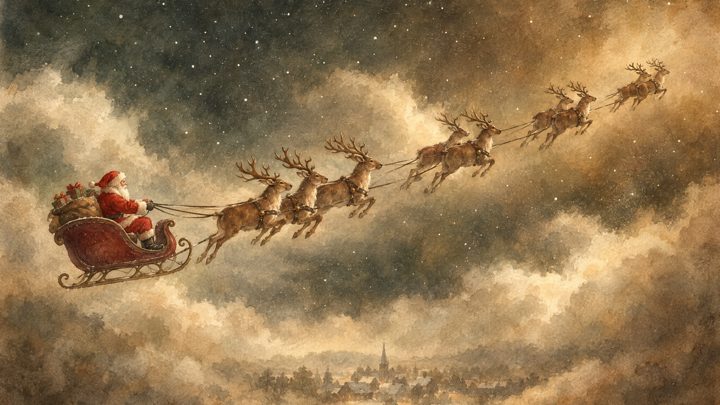
- Santa's Sleigh and ReindeerOur Christmas pick: Santa flying over a snowy village.
- Autumn Lake LandscapeGolden trees on still water, for October and November.

- Autumn River Birch ForestRich color that reads well from across the room.

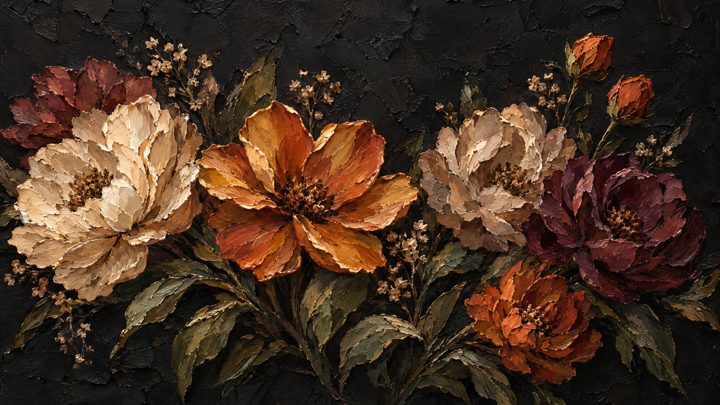
- Vintage Floral Still LifeTerracotta flowers in oils; works all year.
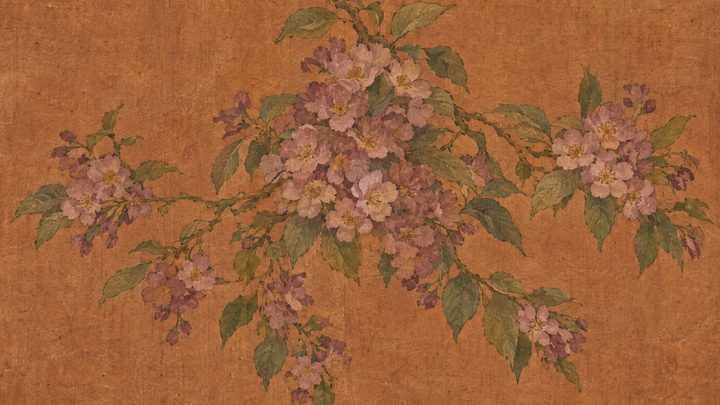
- Moody Autumn FloralDark, dramatic peonies for a moody room.
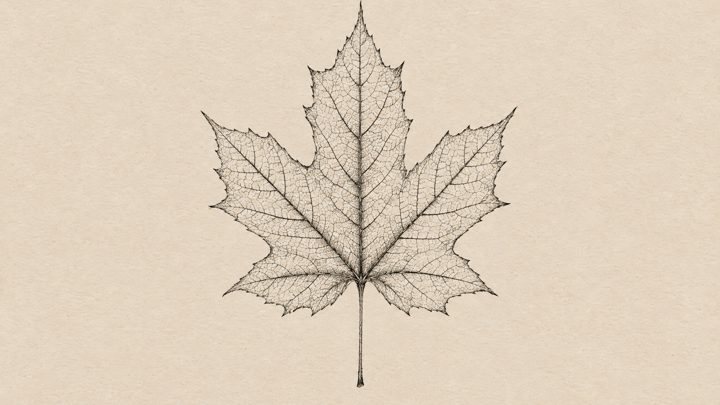
- Maple Leaf BotanicalMinimal and calm; lovely with a white mat.
What Frame TV settings make art look real?
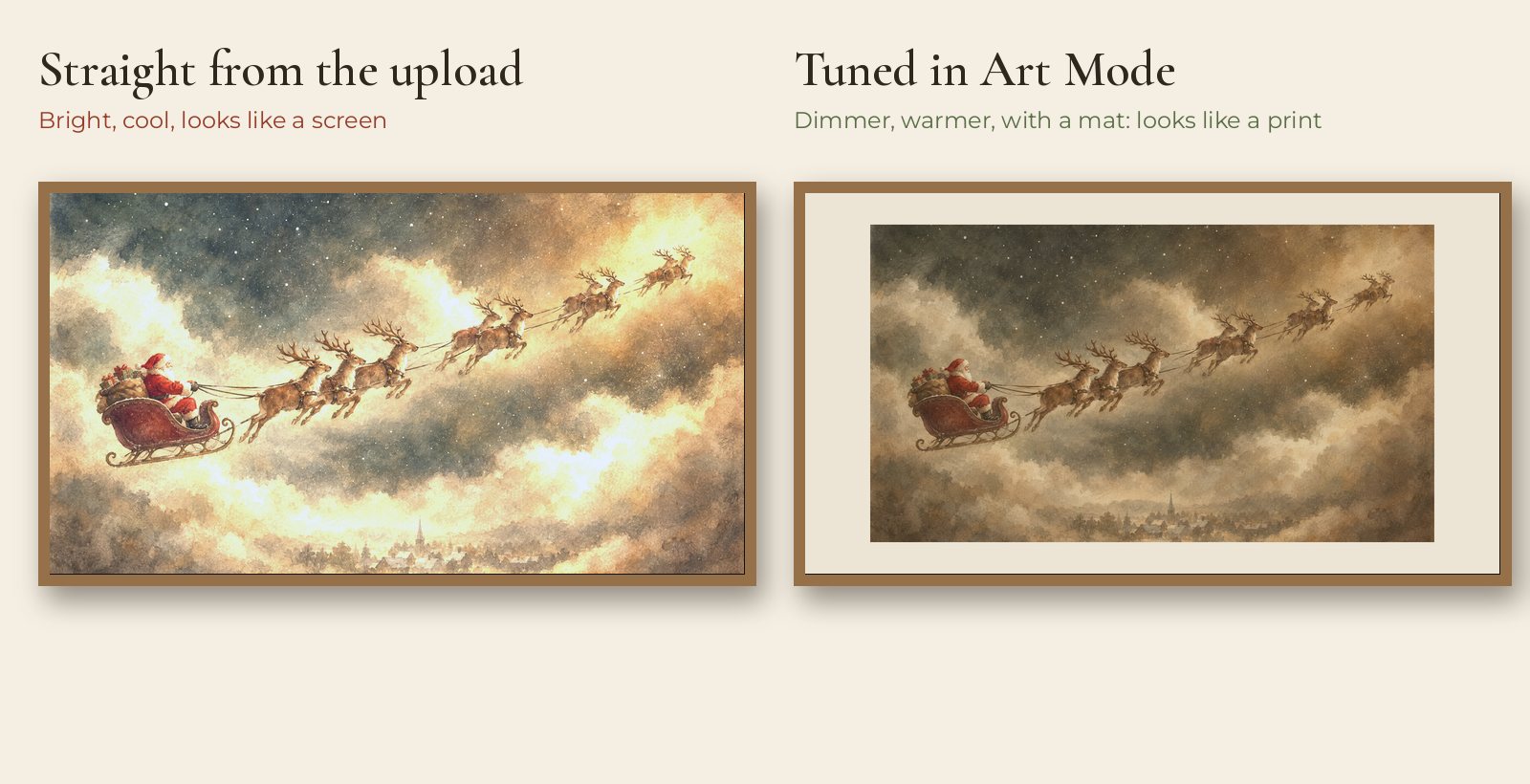
Lower the brightness, warm up the color tone, and add a mat. A real print doesn't glow; the screen shouldn't either.
- Brightness: in Art Mode settings, turn brightness down until the art looks like paper in your room's light. Most people go too bright.
- Color tone: choose a warmer tone. Vintage paintings were made under candle and lamp light, and a cool screen makes them look like a photo.
- Mats: a cream or off-white mat with a thin border makes the screen read as a framed print. Skip the mat for full-bleed landscapes.
- Night mode and motion sensor: let the TV dim or switch off when the room is dark or empty. It saves power and looks natural.
- Matte screen: newer Frame models have an anti-glare matte display, which is a big part of the effect. On older models, a matte screen protector helps.
Can I rotate art for the holidays?
Yes. Put a few files in a collection and set a slideshow.
In Art Mode, select several of your uploaded pieces and choose the slideshow (or shuffle) option, then pick how often it changes: every few hours keeps the room feeling fresh without being distracting. A simple December plan: autumn landscapes through Thanksgiving, then Santa's sleigh from the first of December, then a snowy landscape after the 25th.
How do I style the wall around a Frame TV?
Treat the TV like the hero of a gallery wall.
Hang one or two small framed prints beside it in the same palette, or run garland along the console below. The 2/3 rule still applies: the TV plus anything next to it should cover about two thirds of the console's width. Our art size guide has the numbers, and our vintage Christmas wall art guide has prints to hang around it.
Can I use a regular art print on the Frame TV?
Only if it's landscape-shaped. The screen is 16:9, so portrait prints show with wide side bars.
A landscape print in the 3:2 ratio will show with slim bars, which a mat hides nicely. For a perfect fit, use a file made for the Frame TV: it is already 16:9 and 4K.
FAQ
What size image does the Samsung Frame TV need?
A 16:9 image at 3840 × 2160 pixels (4K) looks best. Smaller 16:9 images work but look softer.
Do I need the Samsung Art Store subscription?
No. You can upload your own images for free with the SmartThings app or a USB stick.
Why does my Frame TV art look like a screen?
Usually the brightness is too high and the color tone too cool. Lower both in Art Mode settings and add a mat.
Can I use the same file on any Frame TV size?
Yes. A 3840 × 2160 file scales to every Frame TV size.
Will I get a physical print?
No. Frame TV art is a digital file you upload to your TV. Nothing ships.
More styling guides
Change the art with the season
Each Frame TV file is a single 4K download you keep for every year.
Shop Frame TV art Shop Christmas art